
Advice and answers from the Rixbo Team
Click on Rixbo Apps, and a new window will appear.
Click on the Login with Email button, and a new window will appear.
Click on the Log in button, and a new navigation menu will appear.
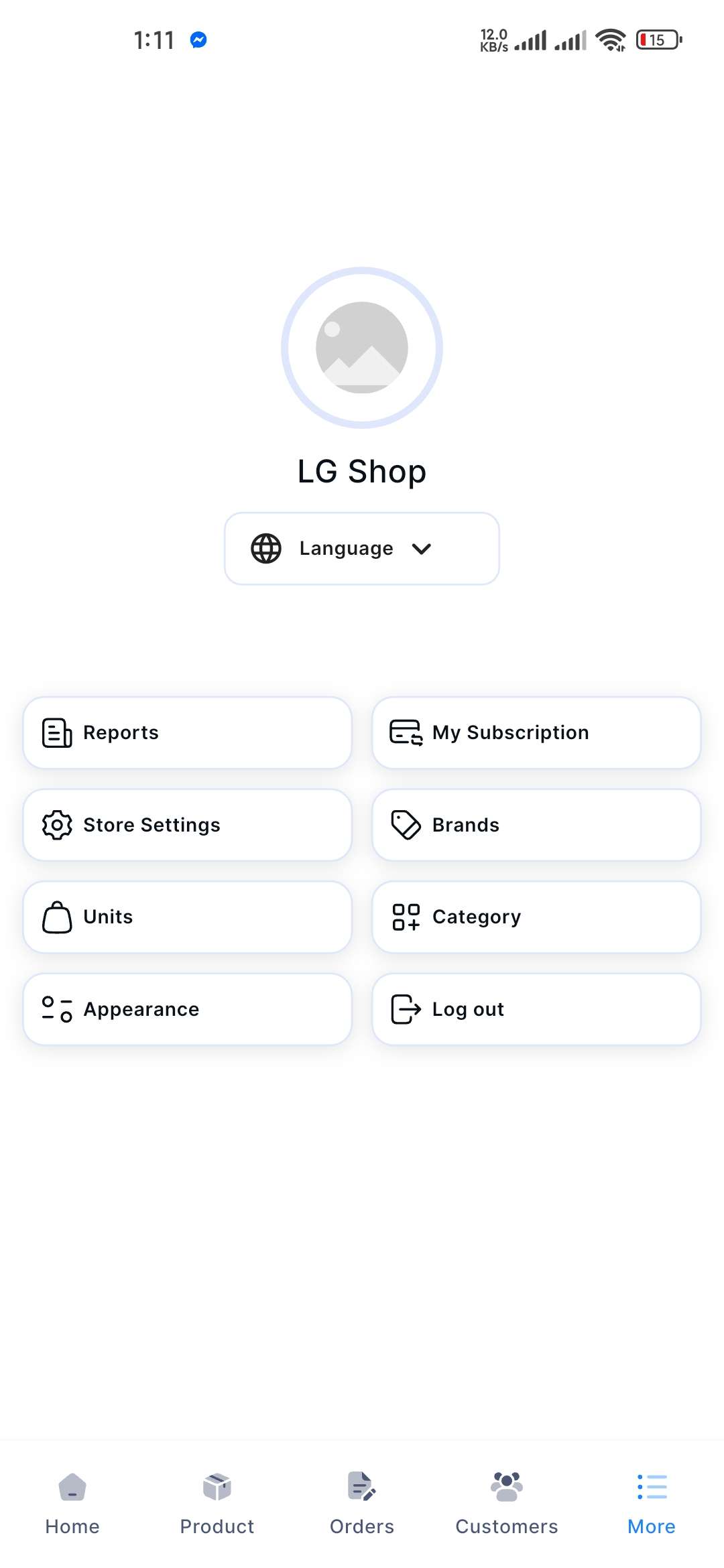
Click on the More button from the bottom navigation menu, and a new window will appear.
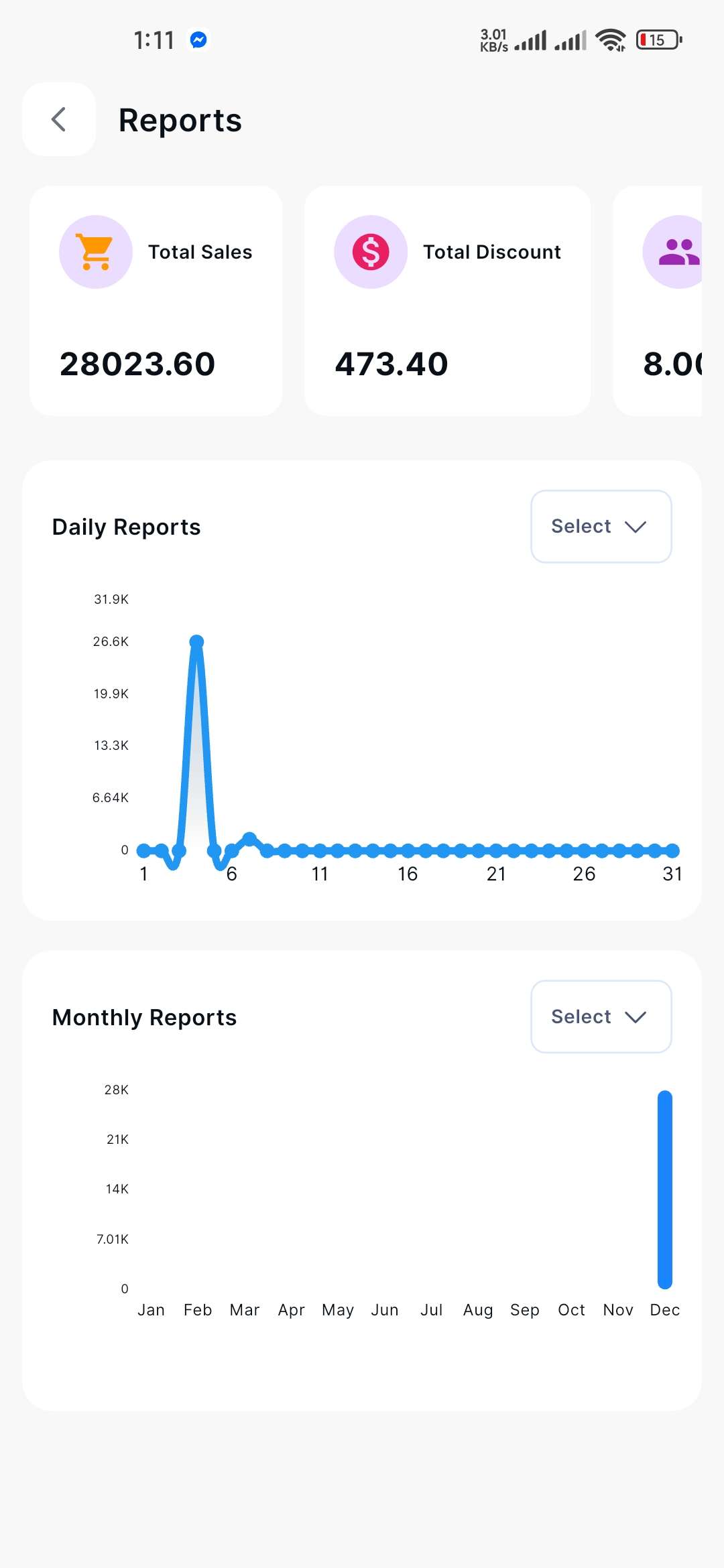
Click the Reports button, and a new window will appear, including total sales and discount amount at a glance.
If you click the Select drop-down menu, you can select the month, and the bar chart will display accordingly in the Daily Report.
If you click the Select drop-down menu, you can select the year, and the bar chart will display accordingly, Monthly Report.