
Advice and answers from the Rixbo Team
Click on Rixbo Apps, and a new window will appear.
Click on the Login with Email button, and a new window will appear.
Click on the Log in button, and a new navigation menu will appear.
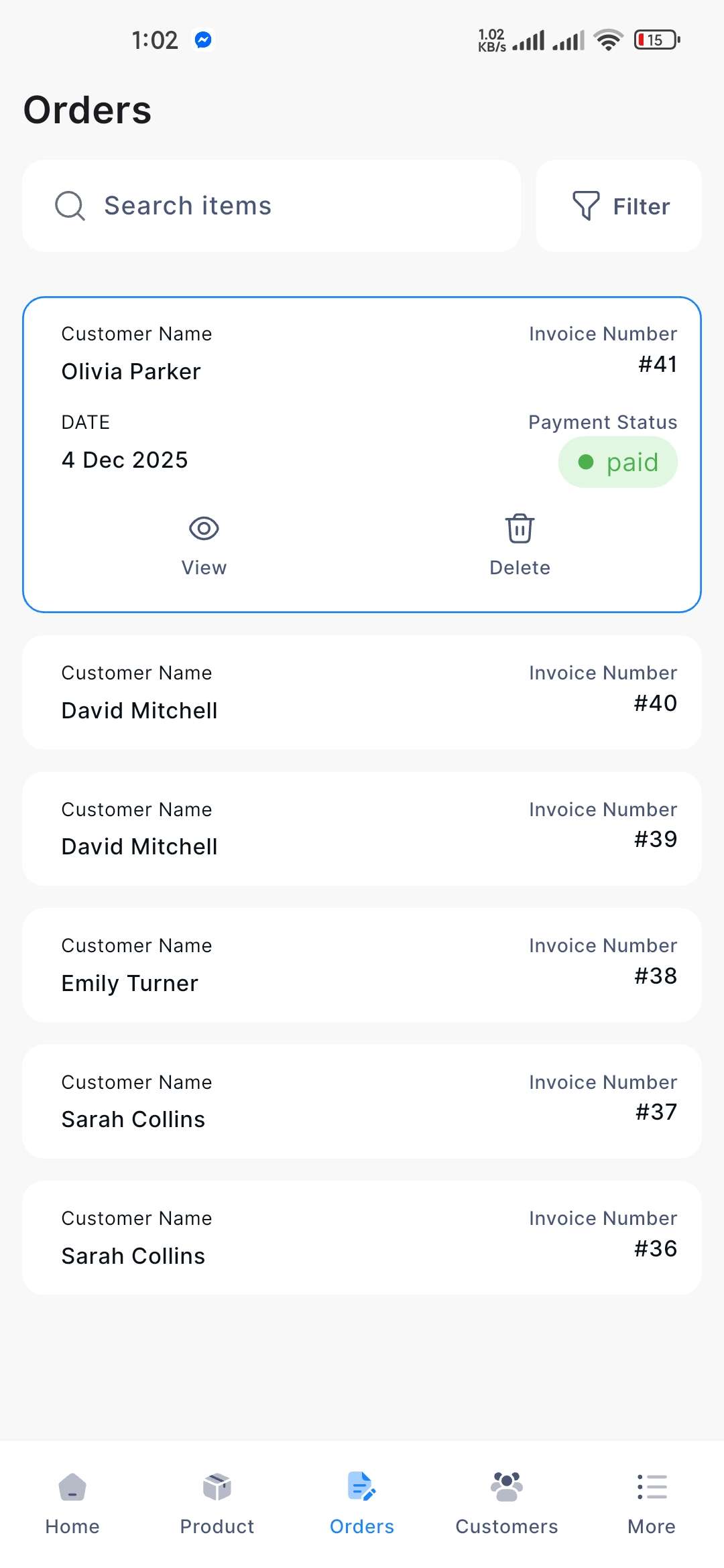
Click on the Orders button from the bottom navigation menu, and a new window will appear, including the orders list.
Click on the selected Customer Name, and a new window will appear.
If you click the View button, the detailed information will be displayed.
If you click the Delete button, a confirmation window will pop up.
If you click the Confirm button, the respective order will be automatically deleted; otherwise, click the Cancel button.