
Advice and answers from the Rixbo Team
Click on Rixbo Apps, and a new window will appear.
Click on the Login with Email button, and a new window will appear.
Click on the Log in button, and a new navigation menu will appear.
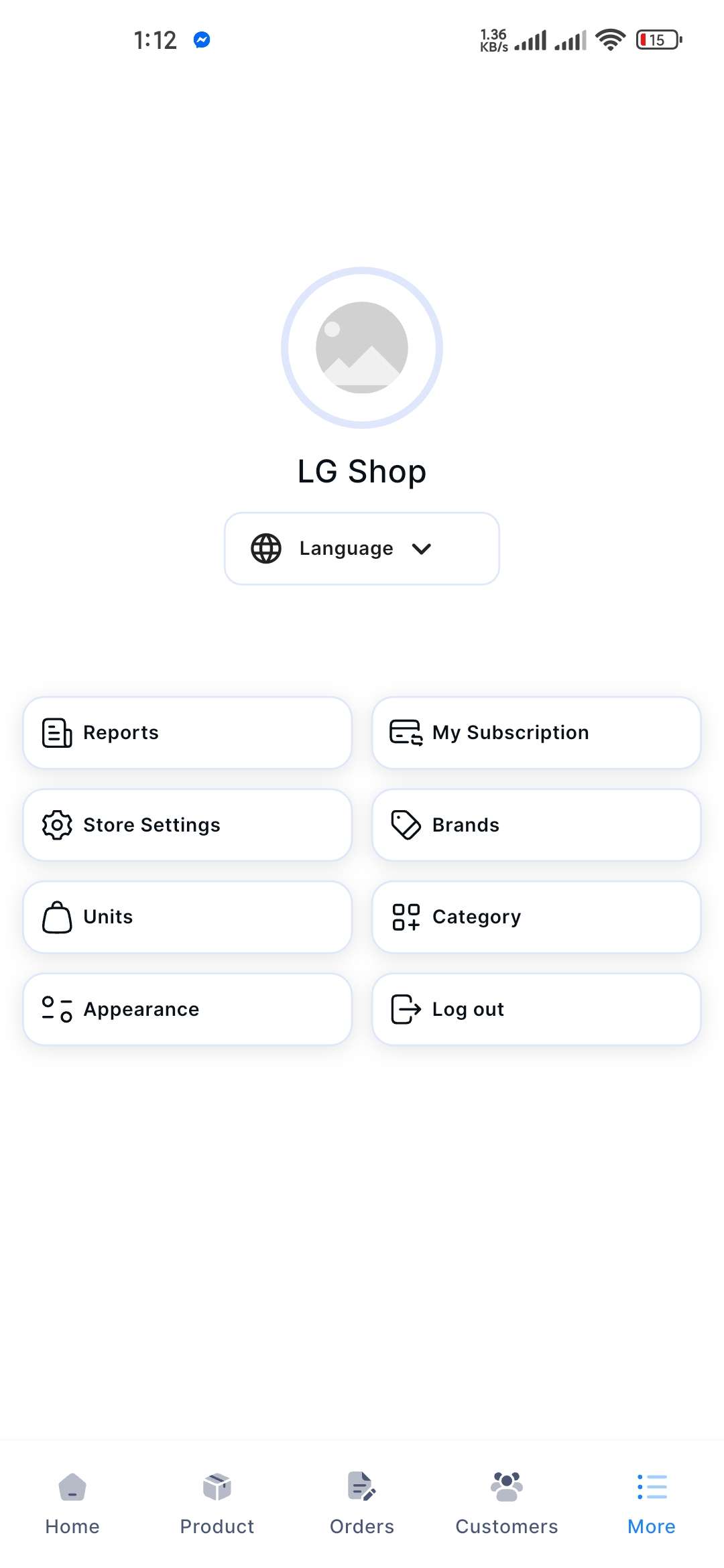
Click on the More button from the bottom navigation menu, and a new window will appear.
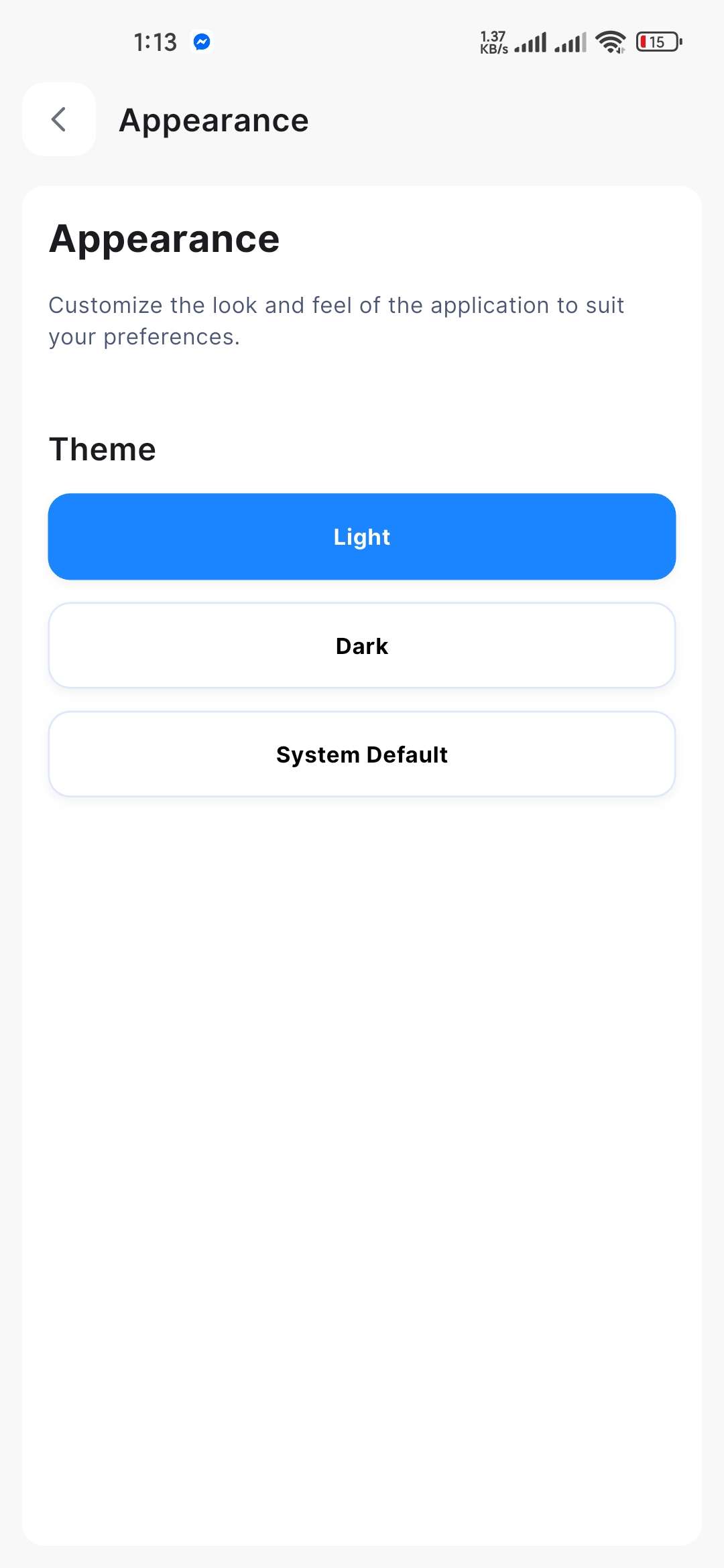
Click the Appearance button, and a new window will appear, including Light, Dark, and System Default themes.
You can choose any one of them.